
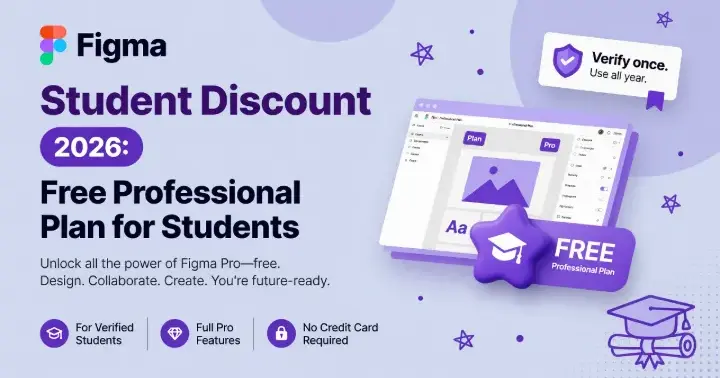
Figma’s student deal isn’t a discount. It’s free.
Verified students and educators get the full Professional plan at no cost. That’s the same plan teams pay for. If you do any kind of design work at school, this is probably the best free software deal going.
What You Get
The Education plan is Professional with everything on:
- Full Professional plan — unlimited files, projects, collaboration
- Figma Make — the AI build thing
- Figma Sites — publish straight from Figma
- Monthly AI credits
- Team-level features — design systems, libraries, branching
- FigJam included
So it’s not a stripped-down “student” version. It’s the real plan.
What You Don’t Get
Here’s the catch, and it’s worth knowing before you sign up.
Figma AI Agent is in beta right now, and it’s not open to education accounts. Some of the AI features are limited or straight up unavailable on the education plan.
So if you specifically wanted the AI Agent, you’ll wait. The monthly AI credits still work for other AI features, but the agent itself is off-limits during beta.
Not a dealbreaker for most people. But don’t assume “Professional” means “every feature live today.”
Who Qualifies
- University and college students — undergrad and grad
- Educators and teachers
- Some bootcamp students, if it’s an eligible program
You need to prove you’re enrolled. School email is the easy path; if your school doesn’t have a recognized domain, upload a student ID, enrollment letter, or transcript.
How to Apply
- Go to
figma.com/education. - Sign in or make an account.
- Pick student or educator.
- Verify — school email, or upload proof if your email doesn’t work.
- Wait for approval. Usually quick if email checks out.
Once approved, your account flips to the Education plan. Free for two years, renewable as long as you’re still a student.
Worth It for Who
If you touch UI, yes. Obviously.
- UI/UX design — this is the tool, free
- Product design — same
- Frontend devs who prototype — useful
- Interaction design, motion, the whole design-adjacent stack
- Indie devs building anything with an interface
If you never design anything and just need a whiteboard, FigJam free might be enough. But if you’re in a design program or building products, paying zero for Professional is kind of a no-brainer.
How It Compares
Quick context against other design tool student deals:
| Tool | Student deal | Notes |
|---|---|---|
| Figma | Professional free | Best for collaboration |
| Adobe Creative Cloud | ~60% off, still paid | More apps, you pay |
| Sketch | Free for education | Mac-only, smaller ecosystem |
| Framer | Student discount, paid | Web-first |
Figma’s is the most generous on collaboration features. Adobe gives you more apps but costs money. Sketch is free but Mac-only with a smaller plugin scene.
The Bottom Line
Free Professional plan, renewable, real features. Apply through the education page, verify, done. Just know the AI Agent isn’t included yet during beta — everything else is.