
Free Online Image Resizer for Students: Assignments & Slides
Resize screenshots, notes, diagrams, and photos to the exact size you need for assignments, LMS portals, and presentation slides. Use Padding to meet required dimensions without cropping, or Fit to keep the original aspect ratio. Processing runs in your browser, so your images stay on your device.
Drag and drop image here or click to upload
JPEG, PNG, WebP — max 10MB
Student Presets (Common Sizes)
- Google Slides / Presentation1920×1080 (use Fit if you don’t need exact cropping)
- LMS / Portal Profile Photo300×300 or 400×400 (use Padding to avoid cropping faces)
- Assignment Screenshots1280px width (keep aspect ratio, improves readability)
- Portfolio / Application Images1200–1600px width (good balance of quality and size)
- Exact required dimensionsUse Padding to keep the full image visible
What is this Image Resizer for Students?
This image resizer for students helps you size screenshots, notes, diagrams, and photos for school workflows like assignment submissions, LMS portals, and presentation slides. Padding mode keeps the whole image visible while filling extra space to hit exact pixel requirements, and Fit mode keeps the original aspect ratio without padding. Export as PNG, JPG, or WebP, with all processing running in your browser.
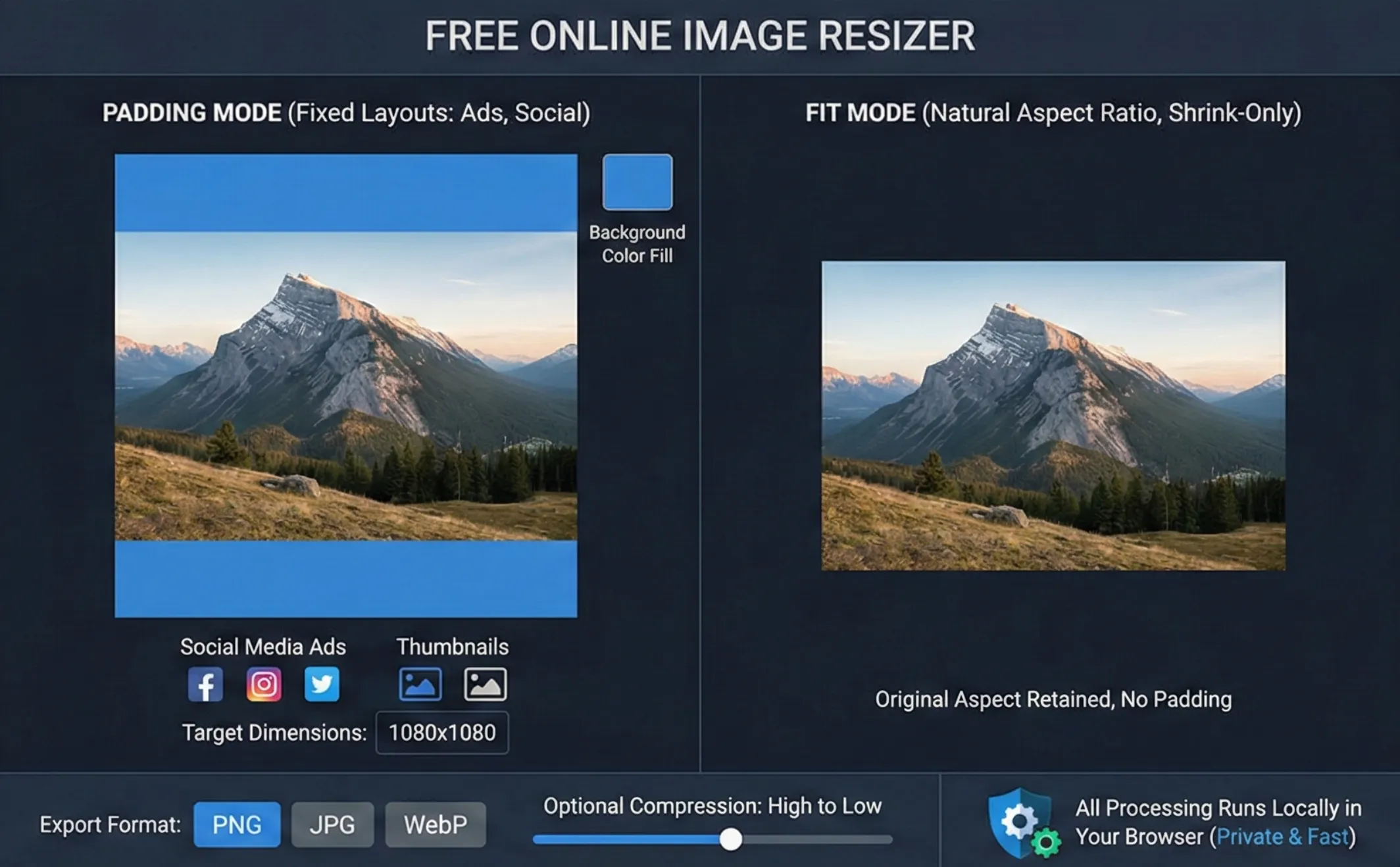
Why Use This Image Resizer for School Work?
Our image resizer is 100% client-side—your images never leave your device, which is ideal for grades, IDs, and application documents. The interface is grouped for student tasks: pick Output Mode (Padding or Fit), set Dimensions for your assignment or slide, choose Output Format (PNG/JPG/WebP), and use More Options for Retina 2x or compression when you need to get under a file-size limit. Fast, free, and private.
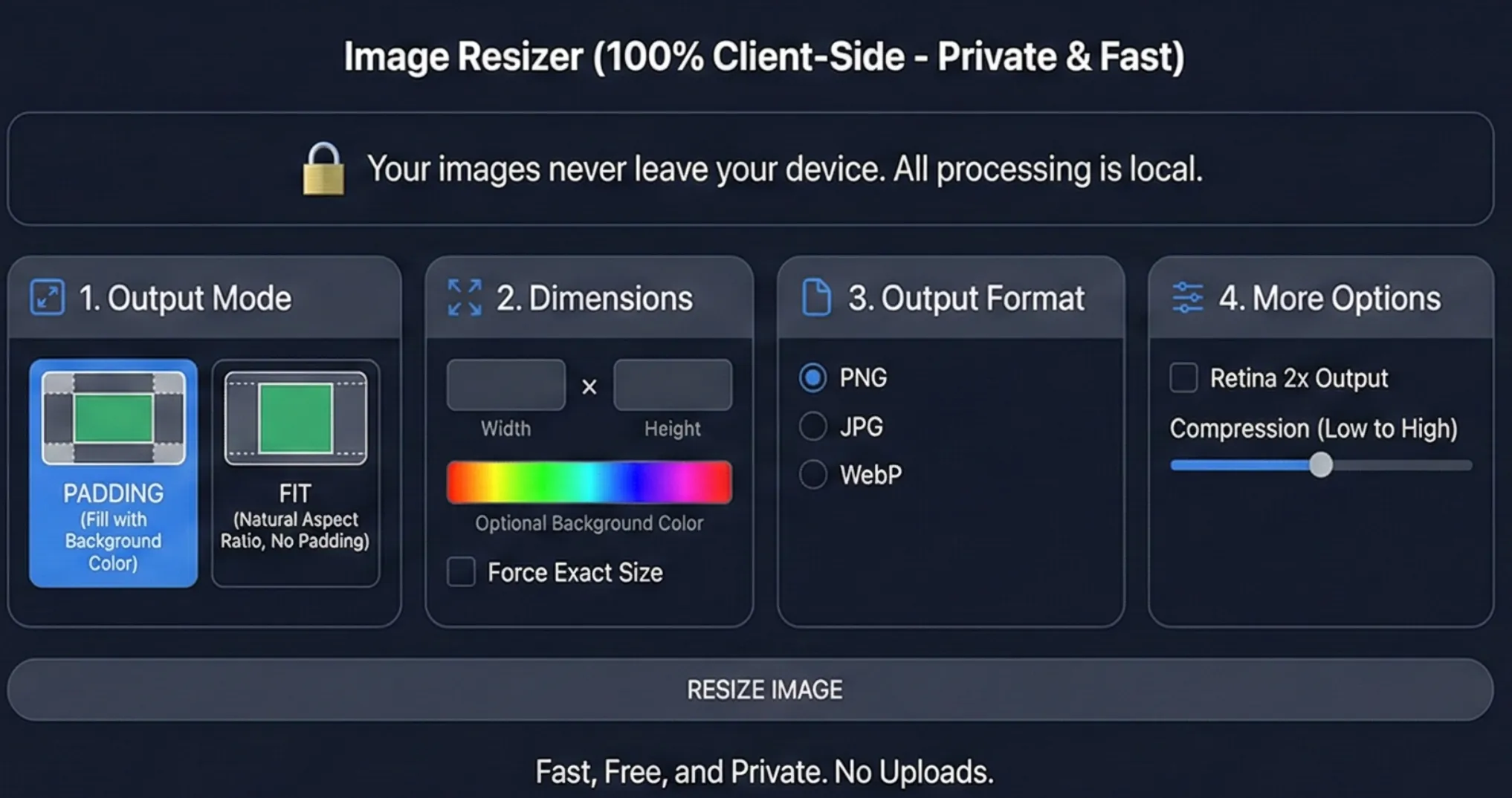
Assignments Rejected for the Wrong Image Size?
School portals and LMS systems often demand exact dimensions or a file under 2MB. Cropping can cut off equations or headings, while stretching makes screenshots unreadable. Use this image resizer in Padding mode to meet strict pixel requirements without losing content, or Fit mode to keep proportions for slides and notes. Combine resizing with light compression so your uploads pass on the first try.
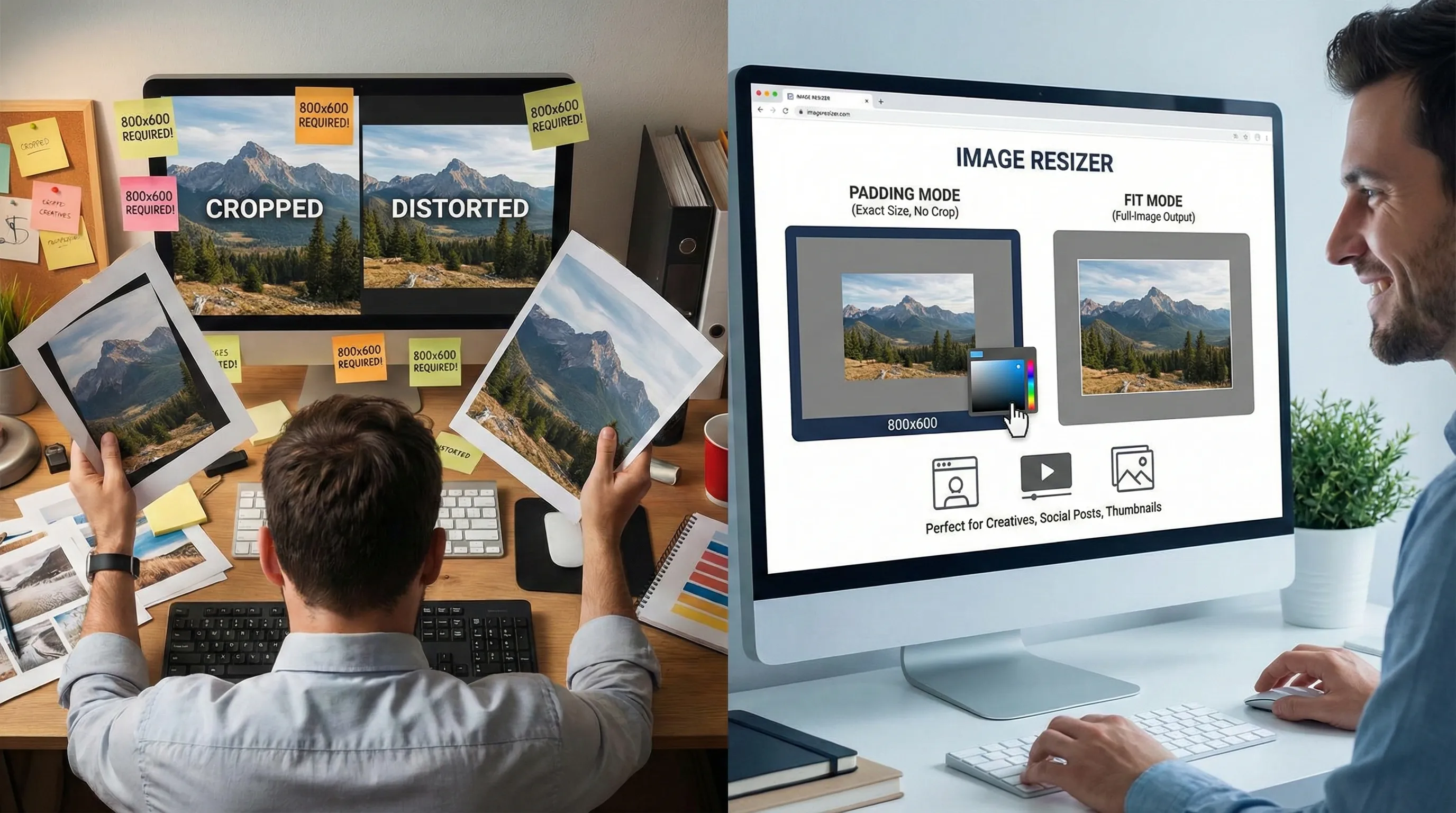
How to Resize Images for Assignments and LMS Uploads
Three quick steps with this image resizer: upload, choose size, download.
Upload Your Screenshot or Photo
Drag and drop or click to upload your assignment screenshot, notes photo, diagram, or slide background. Supports JPEG, PNG, WebP.
Choose Mode and Size
In the image resizer, pick Padding or Fit, then either choose a Student Preset or enter the required width/height. Set PNG/JPG/WebP, and enable Retina 2x or compression if you need to meet a file-size limit like 2MB.
Download and Submit
Click Resize Image, preview the result, then download. Try your school or LMS upload; if it still fails, slightly reduce dimensions or increase compression and re-export—all in your browser.
Image Resizer Features for Students
Designed around assignments, slides, and LMS portals.
Padding for Exact Dimensions
Use Padding mode when a portal demands exact pixels—like 300×300 or 1920×1080—so you can keep the whole image visible while filling extra space with a background color.
Student-Friendly Controls & Presets
The image resizer UI is grouped for clarity: Output Mode, Dimensions, Format, and More Options, plus Student Presets for slides, LMS avatars, assignment screenshots, and portfolios.
Private for School Documents
This image resizer is 100% client-side. Images never leave your device, which is safer for grades, IDs, transcripts, and application materials.
Fast Before You Click Submit
Resize and compress images in seconds right before you submit an assignment or presentation, without waiting for any server processing.
Free for Unlimited Use
Free image resizer with no registration and no usage caps—use it for as many assignments, slides, and uploads as you like.
Use Cases (Student & Education)
Common ways students use the image resizer for assignments, LMS uploads, and presentations etc.
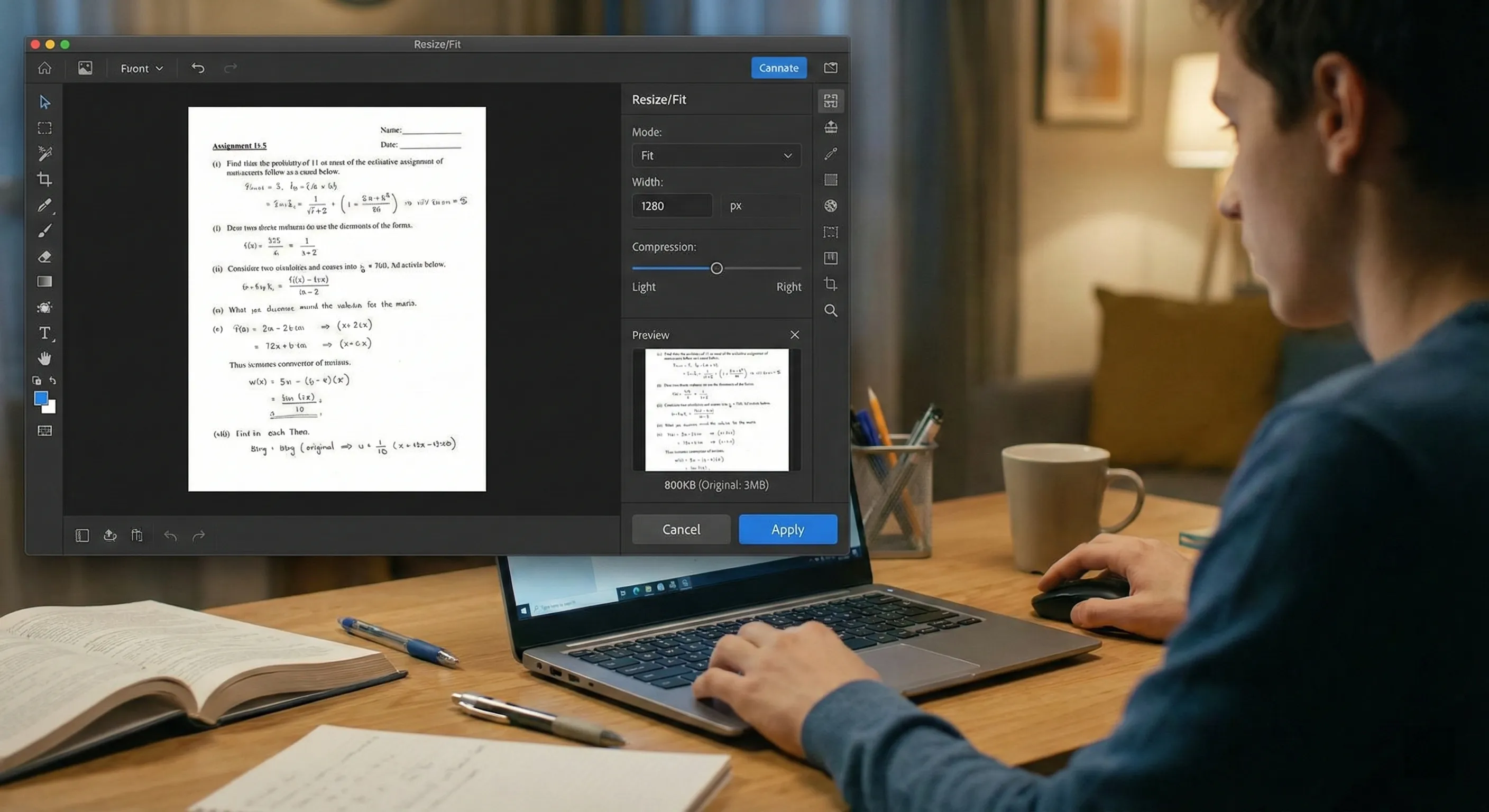
Resize screenshots for assignment submission
Combine clear readability with smaller files for LMS uploads. Recommended: Fit, set width to 1280px (or 1600px for detailed text), light compression if needed.
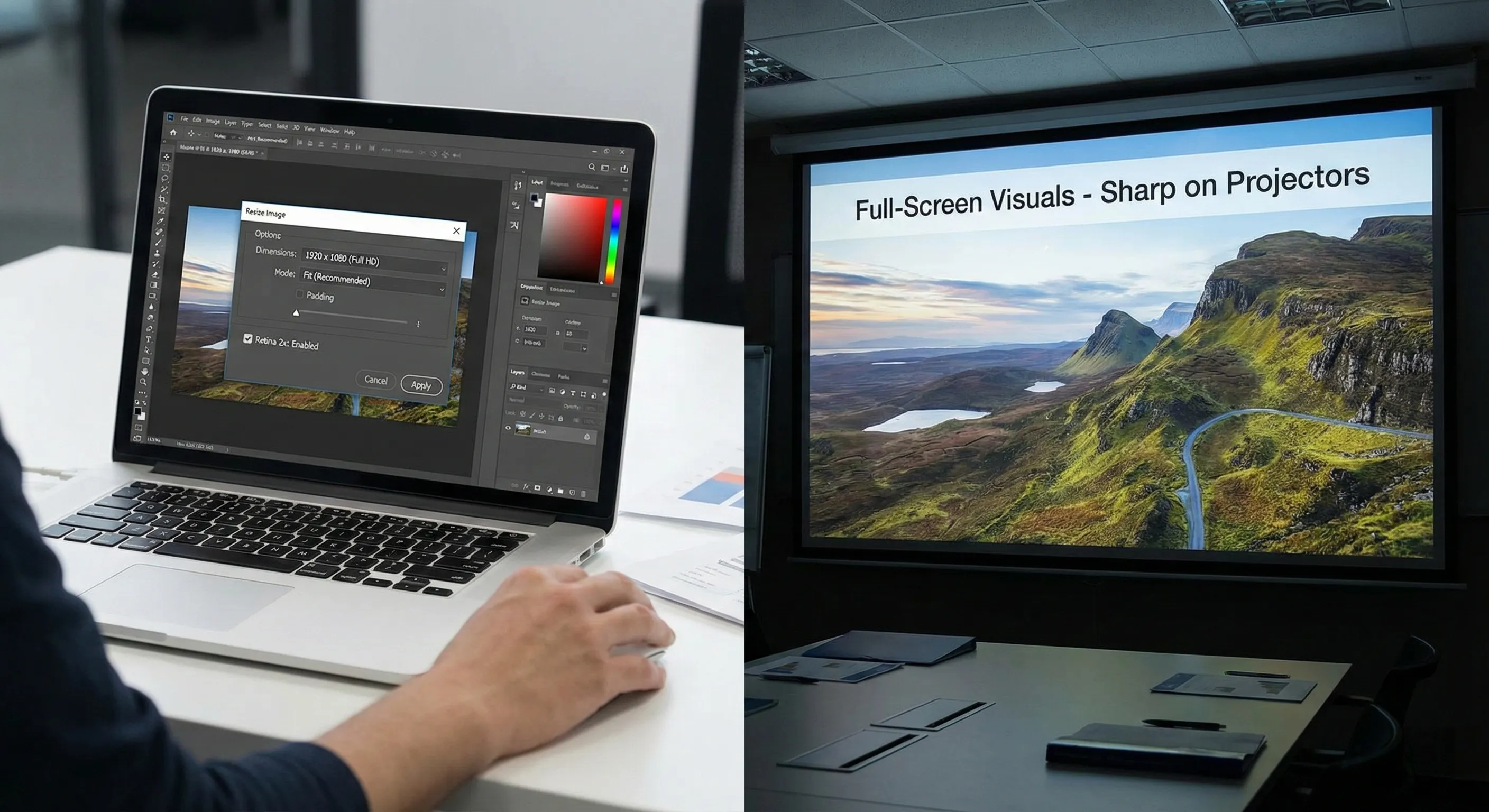
Resize images for Google Slides (1920×1080)
Make full-screen visuals that look sharp on projectors. Recommended: Fit for most images; Padding if you must output 1920×1080 exactly. Enable Retina 2x for crisp text/diagrams.
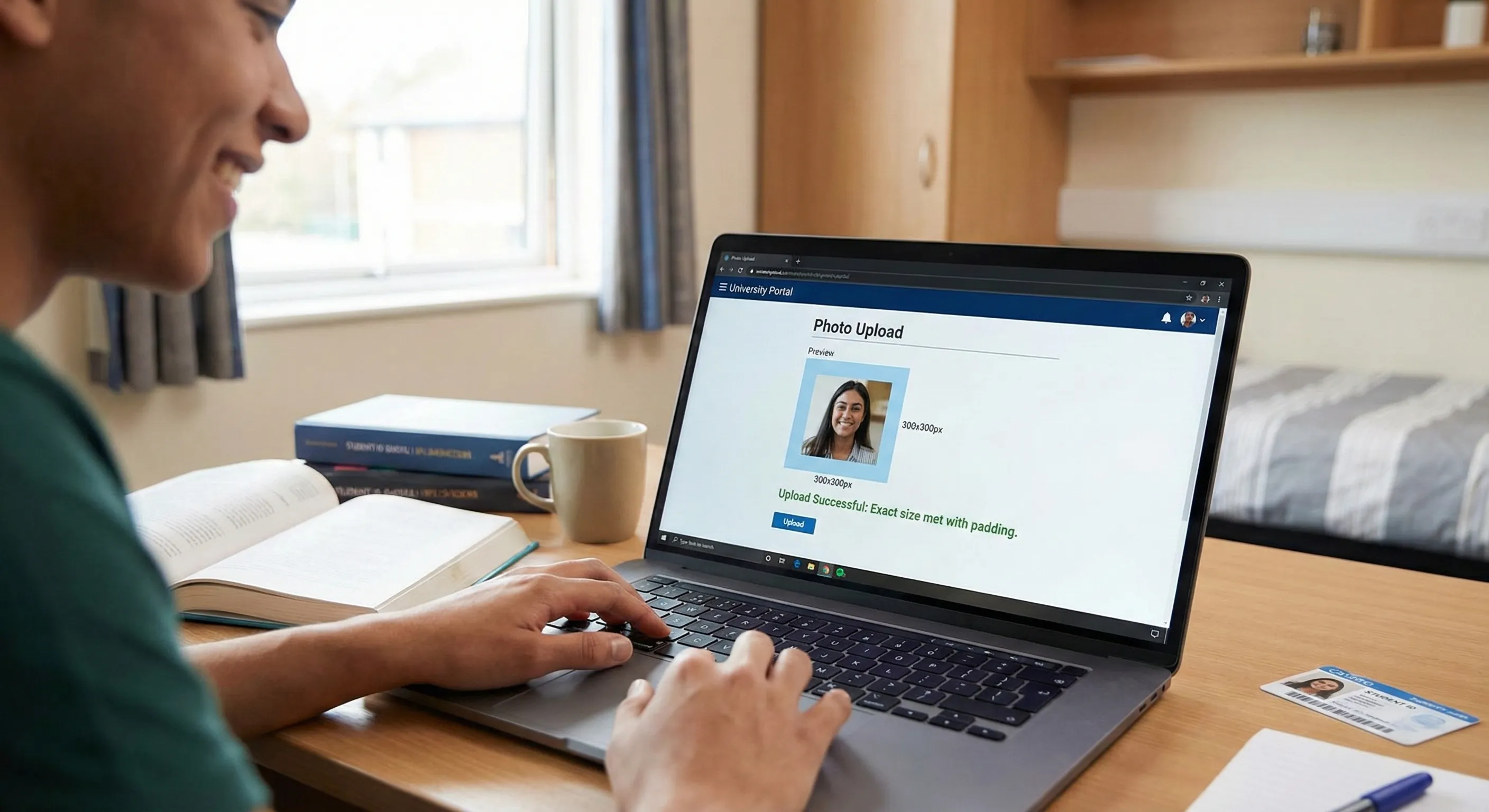
Meet exact portal requirements without cropping
Some school portals require a strict pixel size (profile photos or forms). Recommended: Padding mode + exact size (e.g., 300×300 or 400×400) to avoid cutting off faces or content.
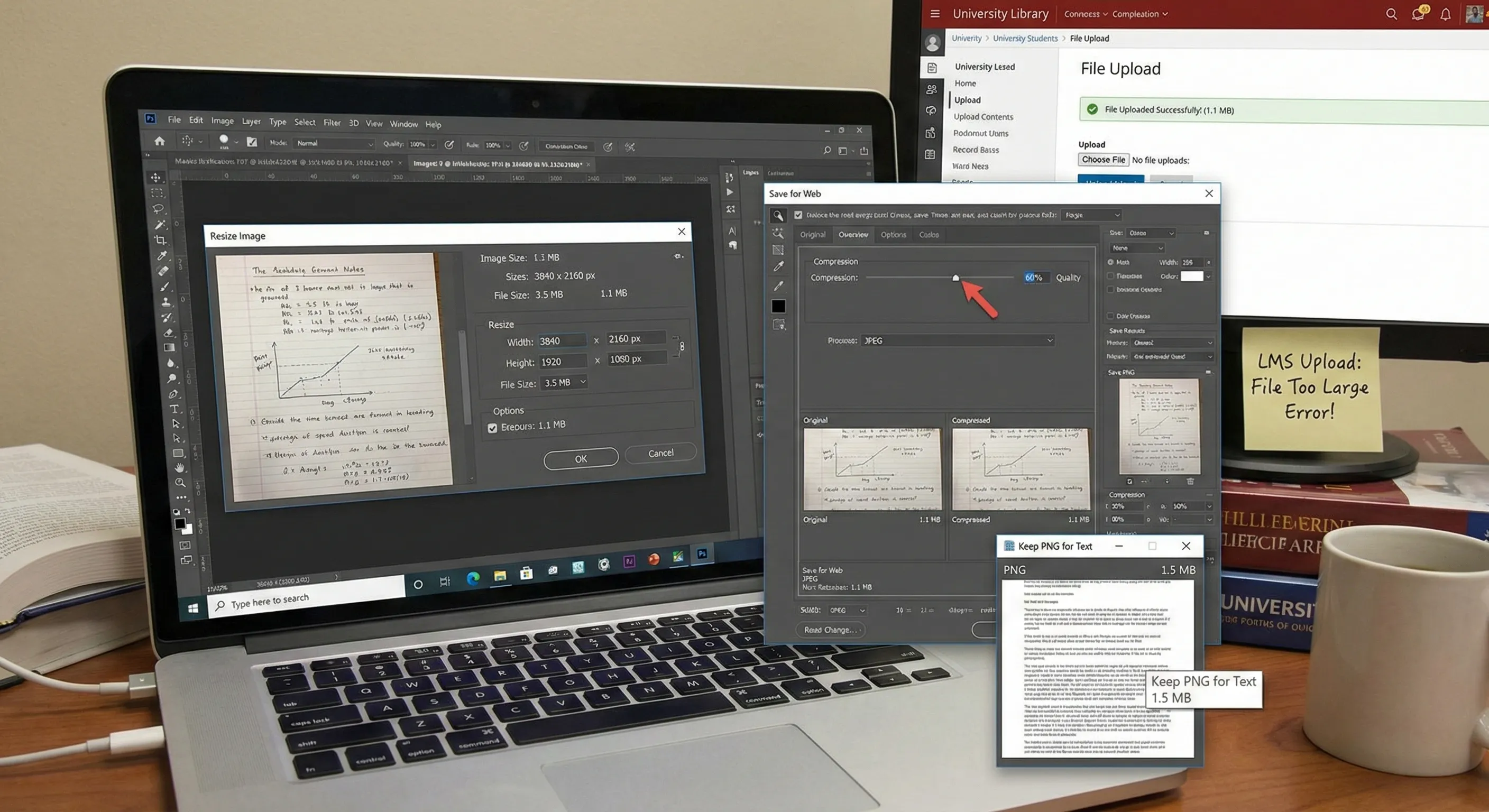
Reduce file size under 2MB for LMS uploads
Fix "file too large" errors without ruining readability. Recommended: Resize down first (largest impact), then increase compression gradually. Keep PNG for text-heavy screenshots if possible.
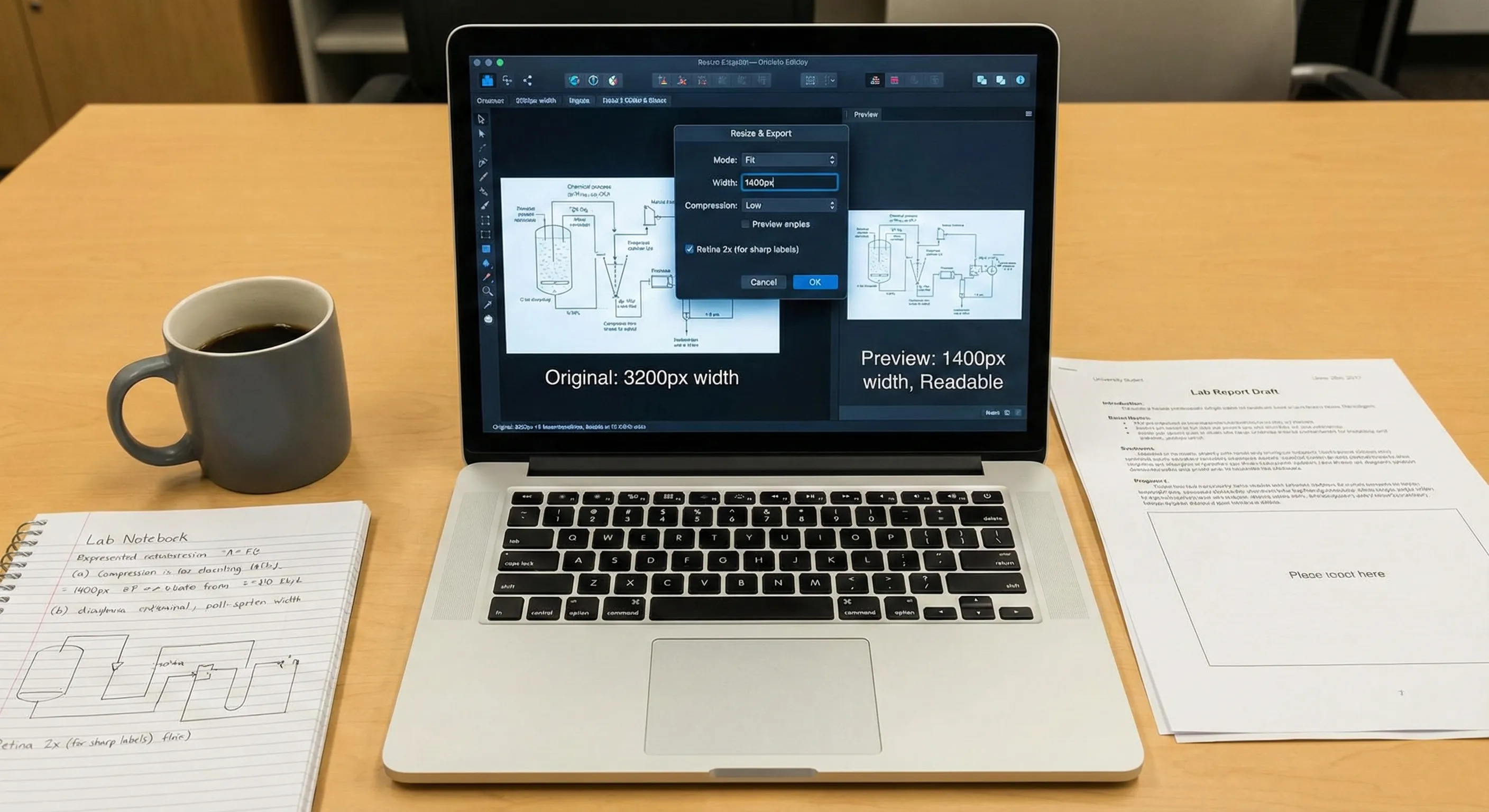
Resize diagrams and charts for lab reports
Keep thin lines and labels readable when inserting into reports. Recommended: Fit, set width to 1200–1600px, avoid heavy compression; use Retina 2x if labels look soft.
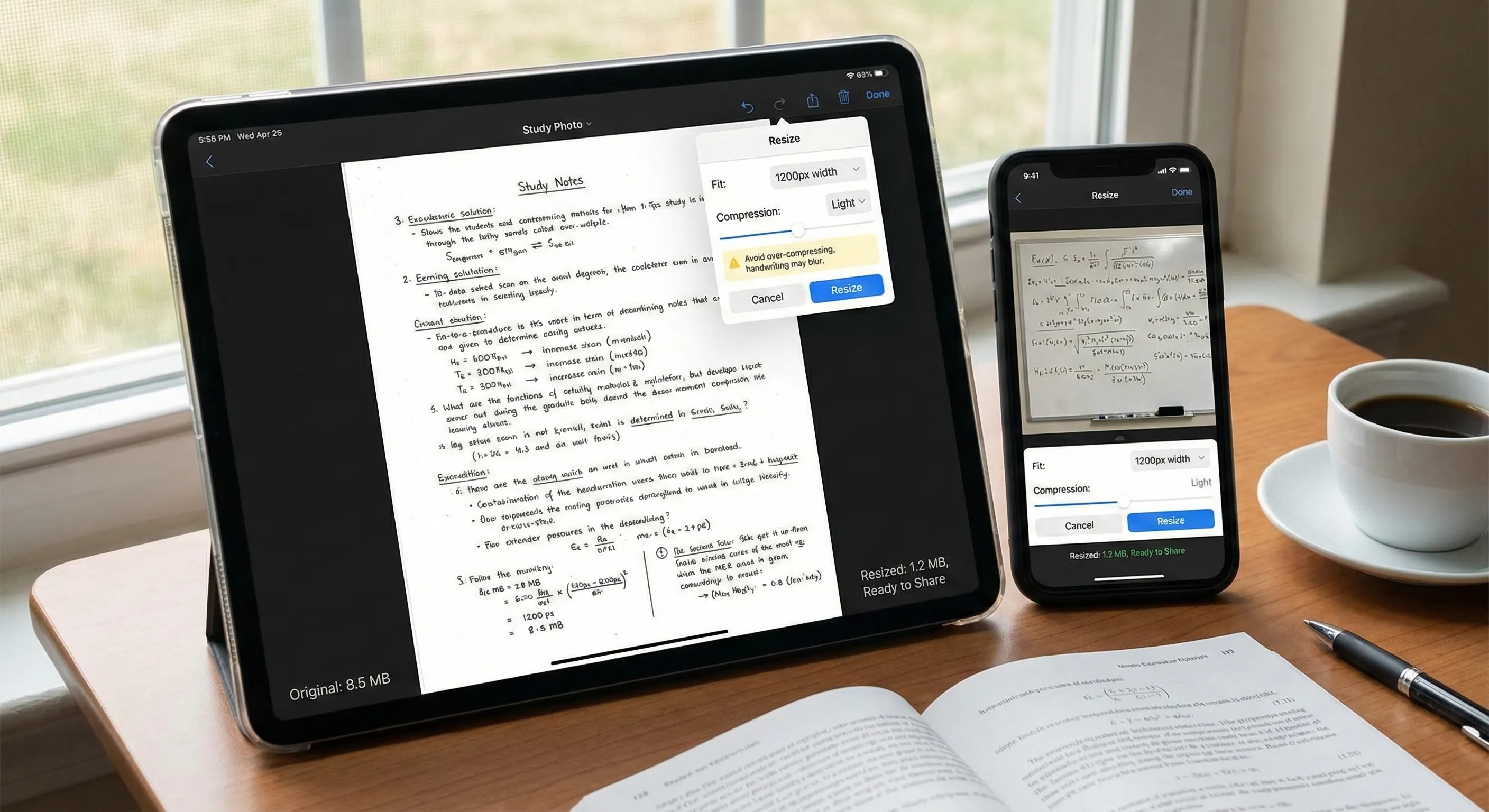
Resize scanned notes and whiteboard photos
Make photos easier to read and faster to upload/share. Recommended: Fit, set width to 1200px, light compression; avoid over-compressing or handwriting may blur.
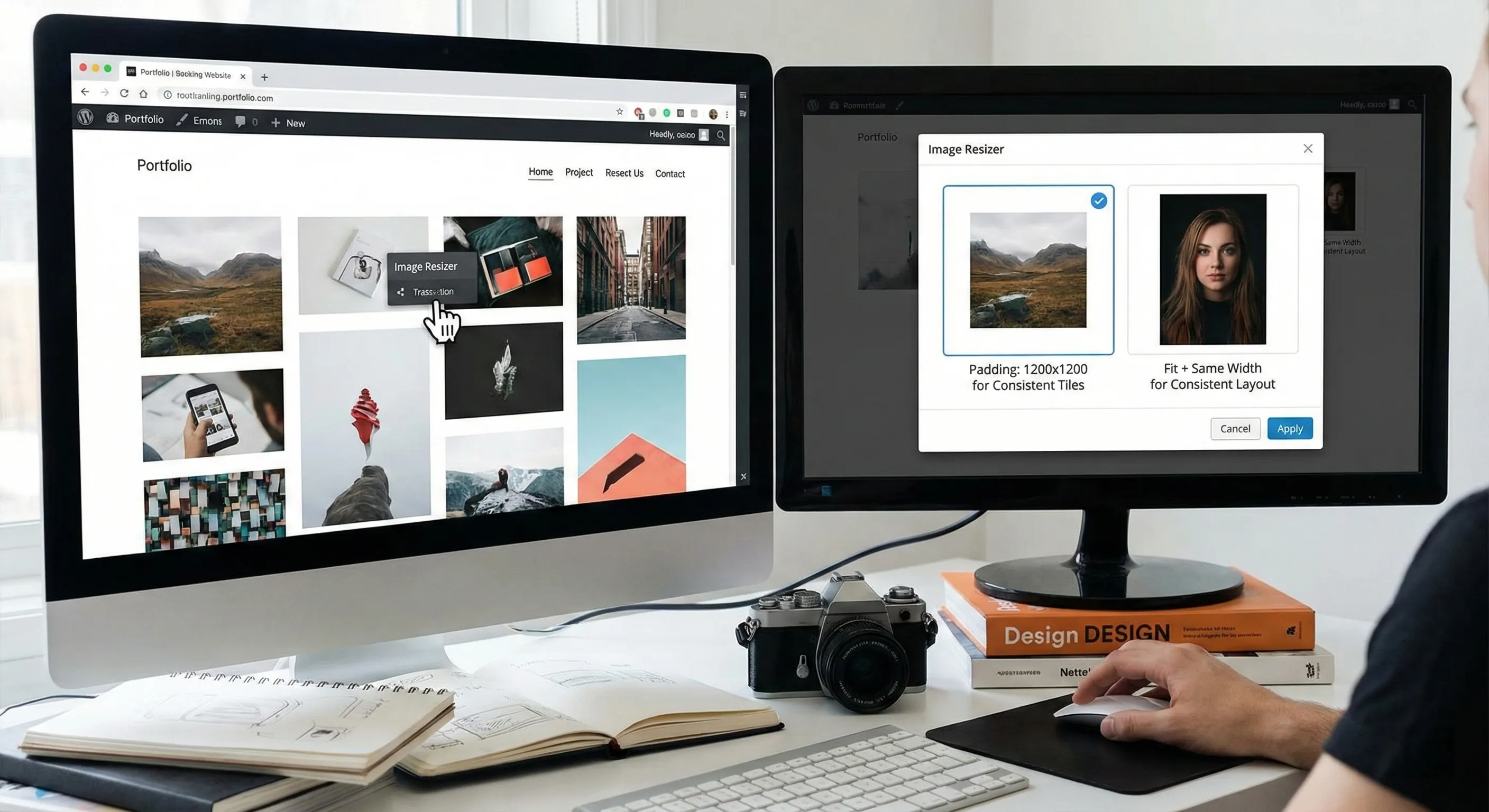
Resize images for portfolios and project pages
Create consistent visuals across a portfolio grid or application page. Recommended: Padding for consistent tiles (e.g., 1200×1200), or Fit + same width for consistent layout.
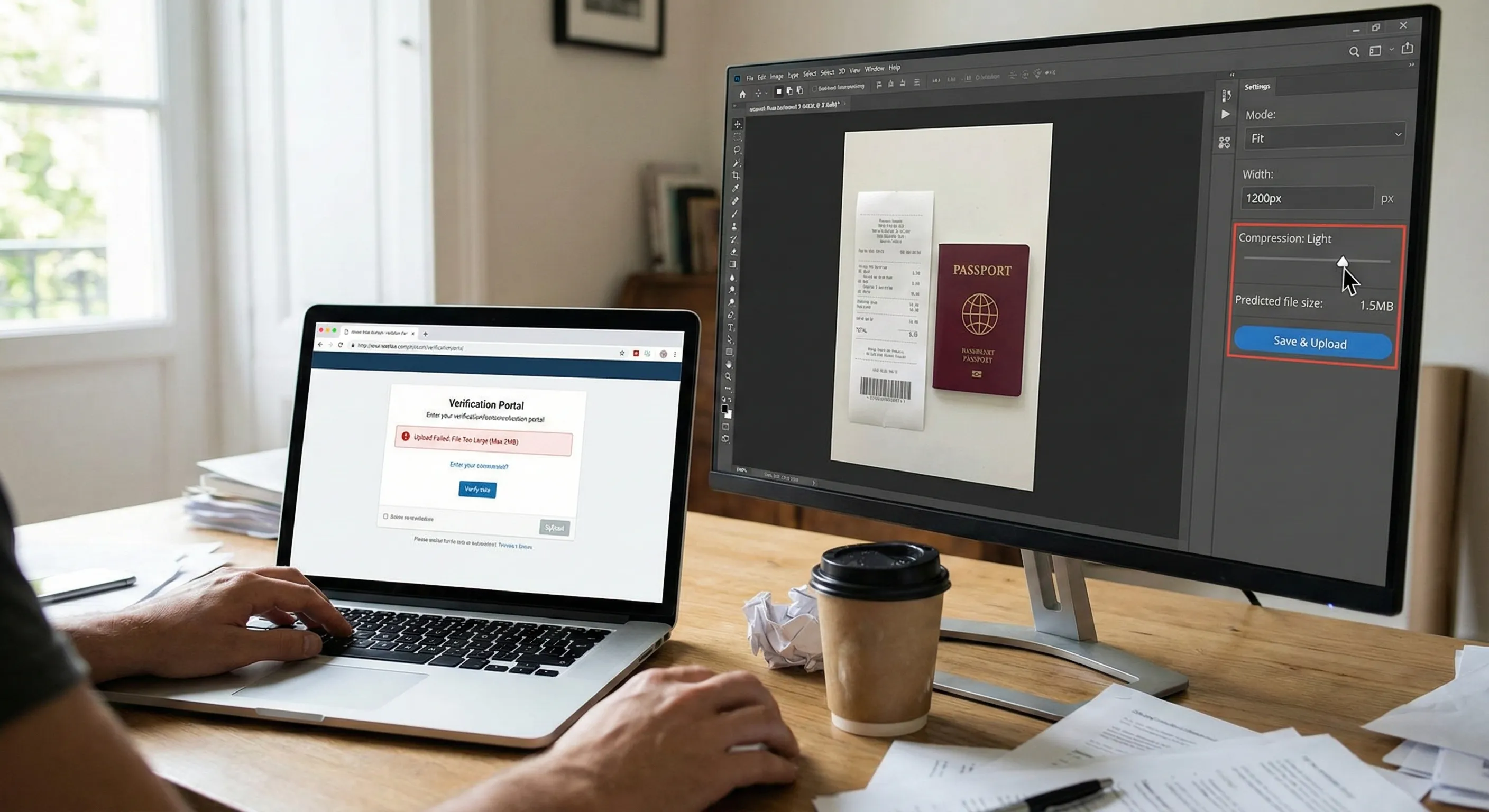
Resize proof documents or receipts for verification
When you need to upload screenshots/photos as proof, file size limits are common. Recommended: Fit, reduce width (e.g., 1200px), then light compression until it uploads successfully.
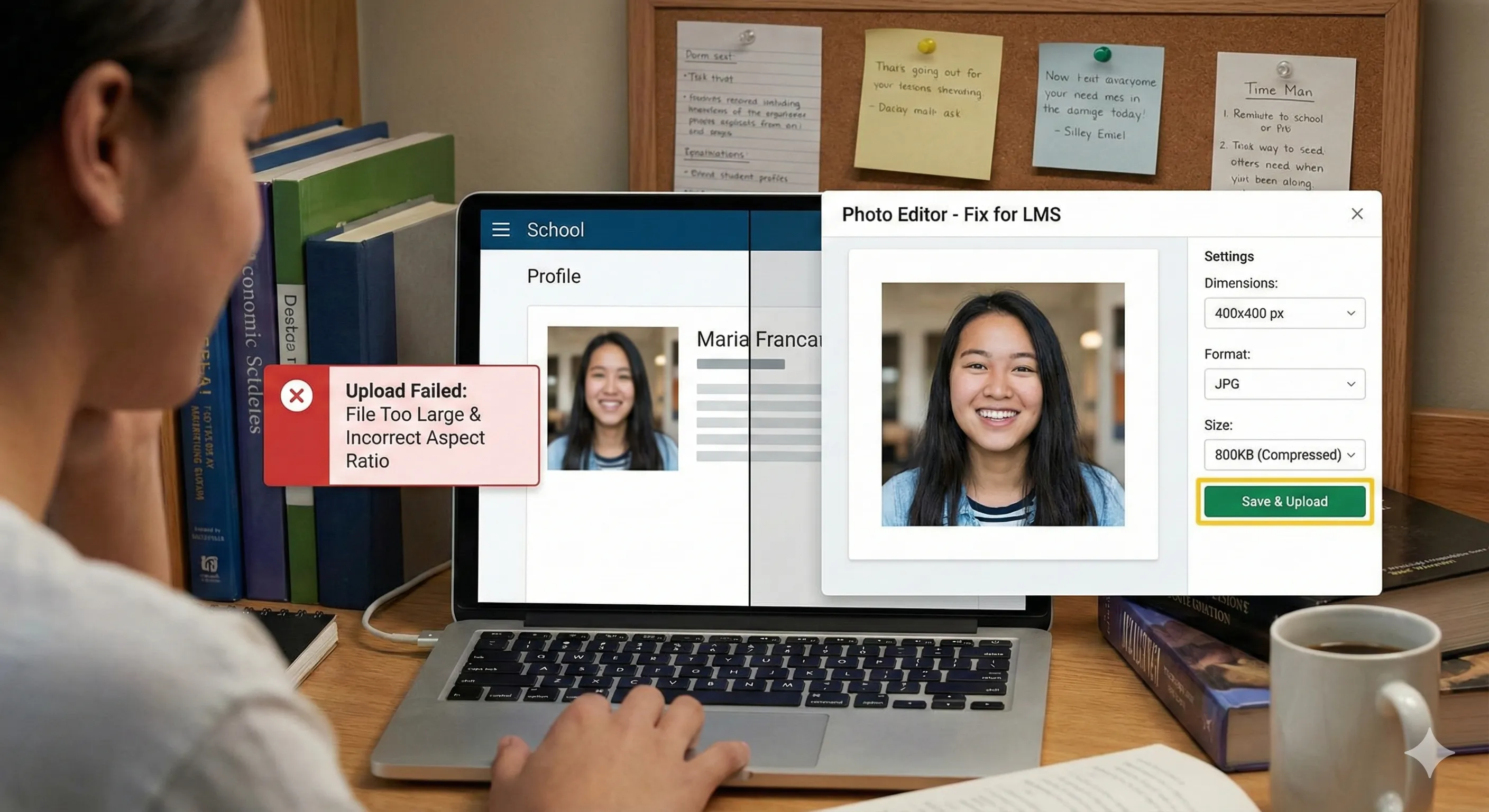
Fix LMS Profile Photo Upload Errors (Size, Format, Dimensions)
Many school systems require a profile photo with specific dimensions (usually 300×300 or 400×400), supported formats (JPG or PNG), and small file sizes (often under 1–2MB). Upload failures are typically caused by incorrect aspect ratio (cropping), large file size, or unsupported formats. Recommended settings include padding (to keep the entire photo without cropping), dimensions (300×300 or 400×400 as required), format (JPG for smaller files, PNG if needed), and reducing dimensions or enabling light compression if upload issues persist.
Get Your Images Ready for School Submissions
Use this free image resizer to prepare screenshots, notes, and photos for assignments, LMS uploads, and slides. Choose student-friendly presets or set exact pixels, add padding without cropping, and keep everything private in your browser.